
Advertorial

Recipes, meal plans and grocery lists

From Digital Clutter to Kitchen Table: Why Saving Online Recipes Still Feels Overwhelming

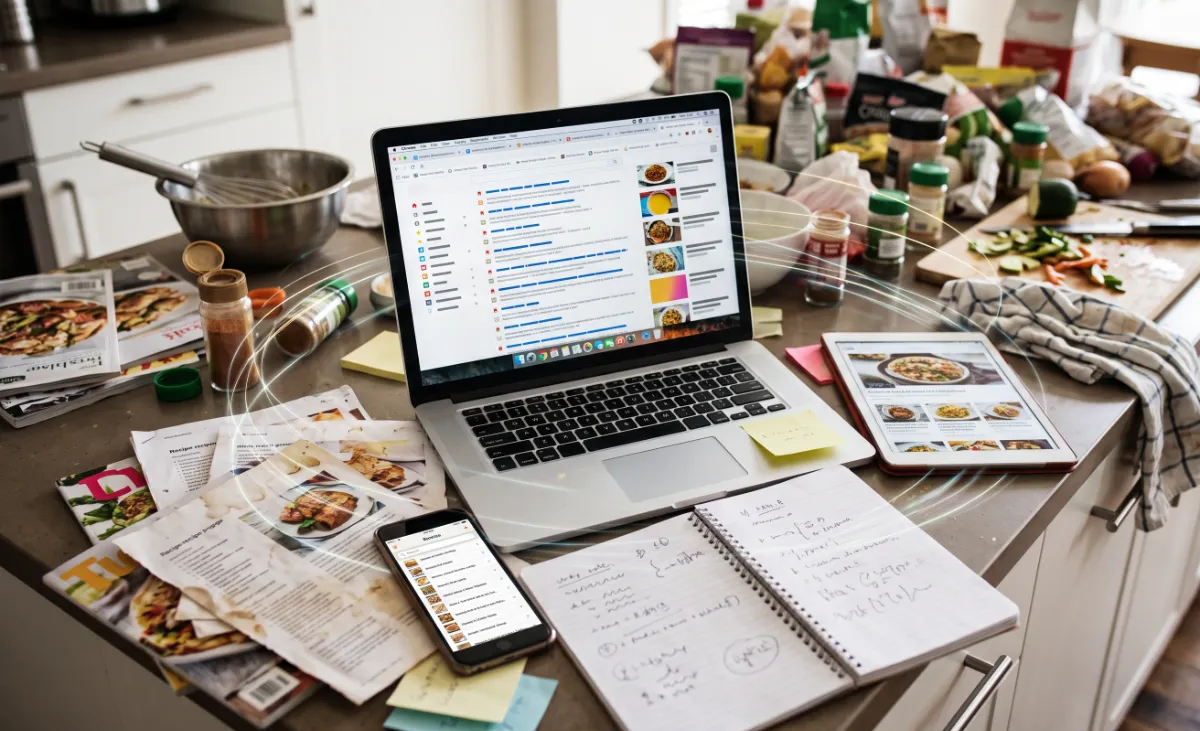
A kitchen counter crowded with printed recipes, a notebook and a phone beside a laptop full of open recipe tabs

The internet has transformed home cooking, giving us instant access to millions of culinary ideas from around the world. However, anyone who has ever tried to follow a recipe from a phone screen knows the frustration: endless background stories, shifting video ads, complex ingredient lists buried under commentary, and bookmarks scattered across dozens of different apps.

Explore Copy Me That

A recipe manager and meal planner. Availability of individual features can vary.

Cooking should be an enjoyable and creative experience, not a battle with digital distractions.

As more home cooks look for practical ways to organize their weekly meals, modern recipe-saving tools are stepping in to restore simplicity to the kitchen.

The Growing Problem

Finding a great recipe online is easy; actually using it while cooking is another story. Most food websites surround their instructions with extensive personal anecdotes, high-resolution photo galleries, and intrusive advertisements. When your hands are covered in flour or olive oil, trying to scroll past promotional clutter to find a simple tablespoon measurement can quickly derail your rhythm.

On top of that, home cooks often save ideas across multiple channels—browser tabs, screenshots, social media saves, and email links—making it nearly impossible to find that one favorite dinner idea when grocery shopping.
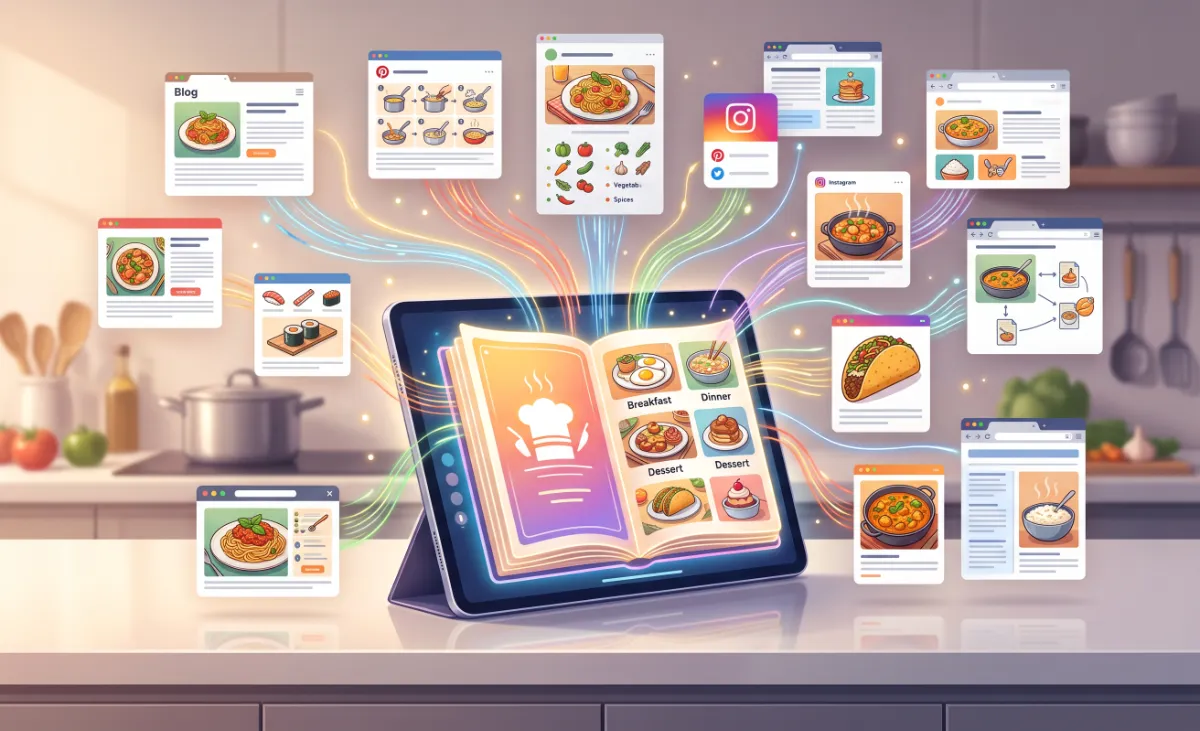
A tablet holding one digital cookbook, with recipe cards from many different websites collected into it
Planning the week is the habit. What changes is whether the recipes, the plan and the shopping list end up in the same place.

Why Traditional Solutions Aren’t Always Enough

Standard bookmarking tools and camera roll screenshots only store a snapshot, lacking the interactive structure needed for modern cooking. Basic notes apps require tedious copy-and-pasting and don’t format ingredients cleanly.

Conversely, some heavy cooking platforms restrict users to their own curated recipe databases, preventing home cooks from saving their favorite personal family recipes or discoveries from independent food blogs.

A truly effective system needs to bridge the gap between open-web discovery and clean, distraction-free execution.

What More People Are Looking For

Today’s home chefs and busy households are increasingly prioritizing simple digital kitchen utilities that offer:

  • Clean Recipe ExtractionThe ability to strip away web clutter and view only the ingredients and steps.
  • Integrated Meal PlanningTools to organize meals by day or week without complicated spreadsheets.
  • Automatic Grocery ListsFeatures that seamlessly turn recipe ingredients into organized shopping checklists.
  • Cross-Device SyncEasy access whether planning at a desktop computer or standing in the supermarket aisle with a phone.

One Option Worth Exploring

For those looking to bring order to their digital recipe collection, Copy Me That is a versatile recipe manager and meal planner designed to cut through online noise.

Rather than locking users into a single database, Copy Me That acts as an all-in-one organizer that lets users clip recipes from virtually any website with a single click. It formats the instructions into a clean, uniform layout while providing built-in tools to manage shopping lists and weekly meal plans.

Features Explained Naturally

Copy Me That brings several practical features together into one intuitive workflow:

One-Click Recipe Clipper

Easily saves recipes from websites directly into your personal digital cookbook, automatically filtering out ads, popups, and non-essential text.

Custom Digital Cookbook

Organize, edit, tag, and categorize saved recipes alongside your own original family dishes.

Smart Meal Planner

Drag and drop recipes into a weekly calendar to plan family dinners ahead of time.

Consolidated Shopping Lists

Automatically combines ingredients from multiple planned meals into an organized grocery checklist, complete with item categorization.

Device Synchronization

Keeps your recipe library and shopping lists synced across smartphones, tablets, and desktop browsers.

How It Fits Into a Week of Cooking

The same five moves, from the recipe you found this morning to the checklist you carry down the supermarket aisle.

  1. STEP 01

    Clip it where you found it

    A single click saves the recipe from the site you are already on, rather than a copy-and-paste into a notes app.

  2. STEP 02

    Read it without the clutter

    Ads, popups and non-essential text are filtered out, so what is left is the ingredients and the steps.

  3. STEP 03

    File it in your cookbook

    Saved recipes are edited, tagged and categorized alongside the family dishes you typed in yourself.

  4. STEP 04

    Drop it into the week

    Recipes are dragged into a weekly calendar, which is the point at which a vague plan becomes a set of dinners.

  5. STEP 05

    Shop from one list

    Ingredients from every planned meal combine into one categorized checklist, synced to the phone in your hand.

Each step above describes what the tool is designed to do. How much of it you use is a matter of habit — some households clip and never plan, others plan the whole week before Sunday.

A Dedicated Manager Against the Habits It Replaces

Set against the bookmarks, screenshots and notes apps described earlier in this article.

Capability
Bookmarks & screenshots
Copy Me That
Stores the ingredients and steps as structured, editable text
No
Yes
Filters out ads, popups and non-essential text
Holds your own family recipes alongside web finds
Turns a week of planned meals into one grocery checklist
Aggregates duplicate ingredients across several meals
Keeps the same library on phone, tablet and desktop

Every row above is drawn from what the tool is described as doing. Confirm the current feature list and any plan details on the official website before signing up.

See what Copy Me That includes

Feature availability can change at any time and is decided by the provider, not by this website. This page may earn a commission from sign-ups or purchases made through its links.

Who May Benefit

Copy Me That can be an excellent fit for:

Everyday Home Cooks

Who want a clean, ad-free screen while preparing meals at the counter.

Busy Families

Looking to save time and reduce food waste through structured weekly meal planning.

Dietary Enthusiasts

Managing specialized meal regimens (such as gluten-free, keto, or plant-based) across multiple sources.

Recipe Collectors

Anyone wanting to preserve personal family recipes alongside digital discoveries in one secure place.

For the occasional weekend bake, a bookmark may be enough. Households cooking most nights are the ones who meet the clutter often enough for a dedicated organizer to earn its place.

Things To Consider

Worth checking before you move a recipe collection into any manager:

  • How your usual recipe sites are laid out
  • Whether your favourites are image-only recipe cards
  • How much manual tidying you are willing to do
  • What you need available offline in the kitchen
  • Which devices you cook and shop from
  • How much of your week actually gets planned

While modern recipe managers excel at simplifying text and organizing ingredients, web layouts vary widely across the internet. While clipping tools handle the vast majority of standard recipe pages effortlessly, some non-standard blog formats or image-only recipe cards may occasionally require minor manual adjustments. For most home cooks, the time saved in organizing and shopping makes a dedicated manager a worthwhile addition to their routine.

Frequently Asked Questions

The questions that come up most often before anyone moves a recipe collection across.

Can I save recipes from any website?

Yes, the clipping tool is designed to identify and extract standard recipe formats from virtually any public website or food blog.

Can I add my own original recipes to the app?

Absolutely. In addition to saving recipes from the web, you can manually type in or paste your own family favorites and customize existing entries.

Does it work without an internet connection?

Once your recipes are synced to your mobile device, you can view your saved recipe collection even when offline in the kitchen or at the store.

Will the saved recipes include pictures?

Yes, the tool generally captures the primary recipe image alongside the ingredients and instructions, keeping your digital cookbook visually appealing.

How does the shopping list handle duplicate ingredients?

When adding multiple meals to your shopping plan, the tool helps aggregate common ingredients so you know the total quantity needed for your shopping trip.

Can I plan a whole week of meals in advance?

Yes. Saved recipes can be dragged and dropped into a weekly calendar, so family dinners can be planned ahead of time and the ingredients carried through to a single grocery checklist.

Ready to Bring Simplicity Back to Your Kitchen?

Cooking at home should be a rewarding part of your day, not a struggle with cluttered web pages and forgotten bookmarks. With an organized recipe organizer and meal planner, you can keep your favorite dishes at your fingertips and make grocery shopping effortless.

Discover how easy it can be to collect, organize, and plan your favorite meals in one distraction-free space.

Explore Copy Me That Today

This page is a paid advertorial brought to you by clarovahub.com. It is intended for promotional purposes only and should not be considered independent journalism, editorial content, or professional advice. The content has been created or curated by the advertiser and may include affiliate links. We may receive compensation if you purchase a featured product or service through links provided on this website. Please review our Advertising Disclaimer and Privacy Policy.